Lekkafy mobile app
Get started on your own
Create your account in Just me mode, set monthly budgets, add your savings and set up Safety Net Runway.
Step by step
Create and verify your account
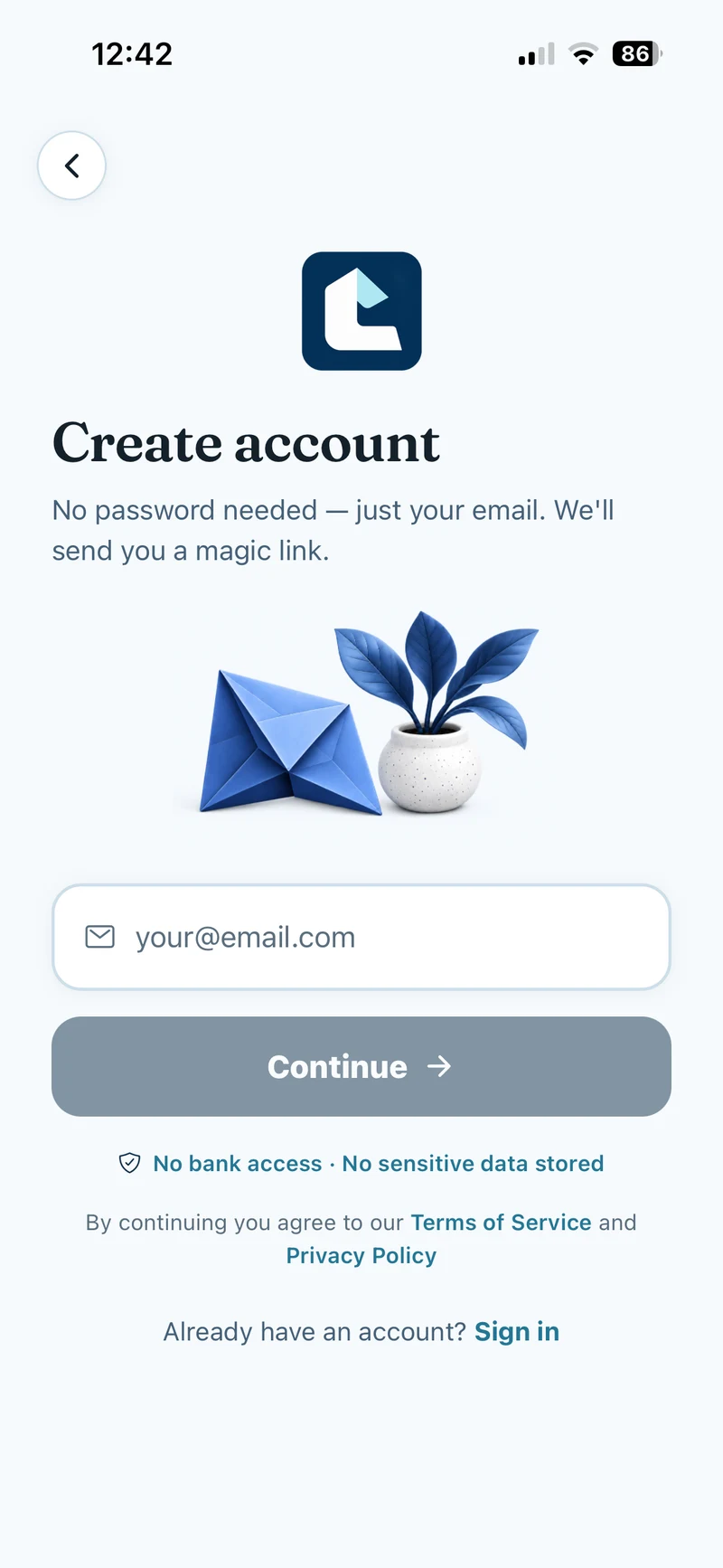
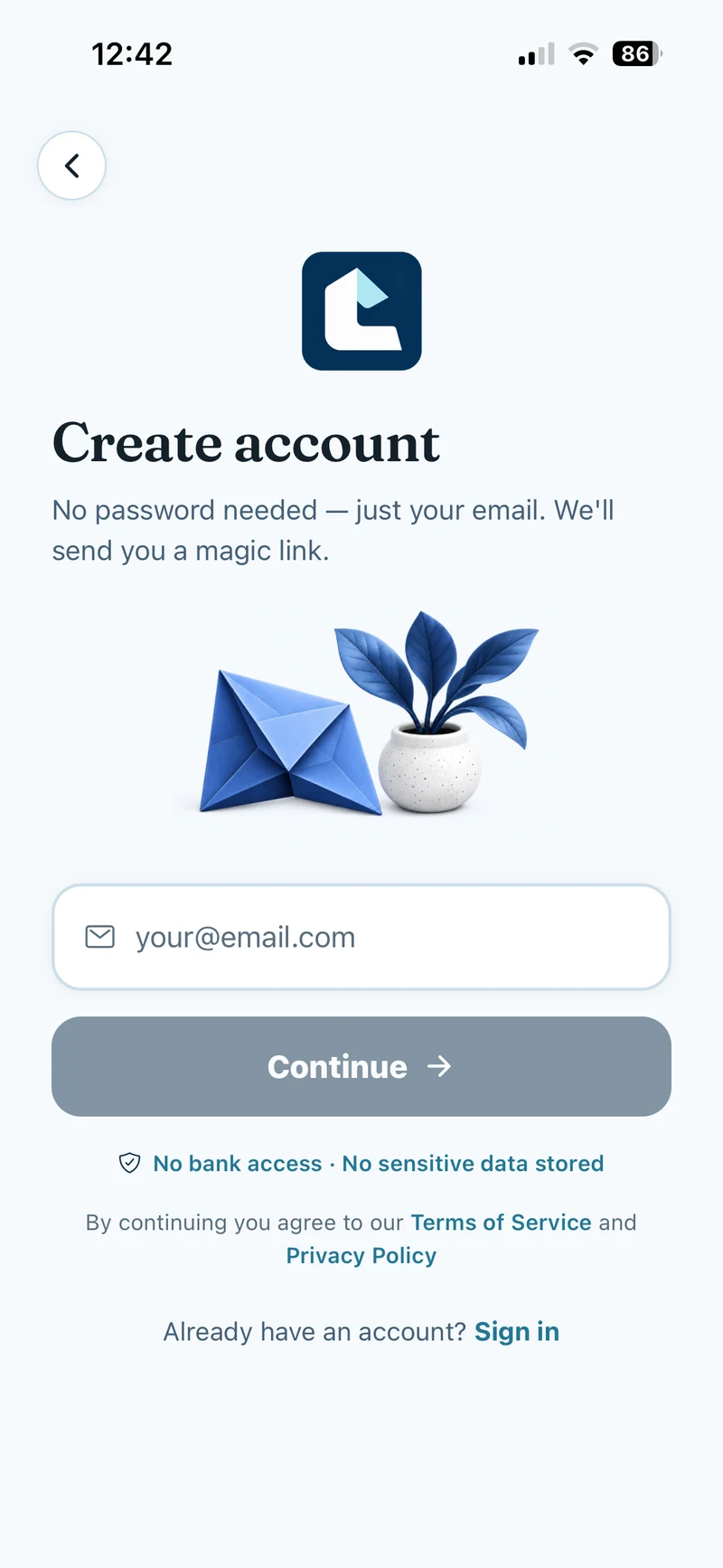
Tap Get started free. On Create account, enter your email and tap Continue. Enter the six-digit code from Lekkafy on the Check your email screen, or open the sign-in link in the email. If the code is missing or expired, check your spam folder or tap Resend code.
Show screenshot
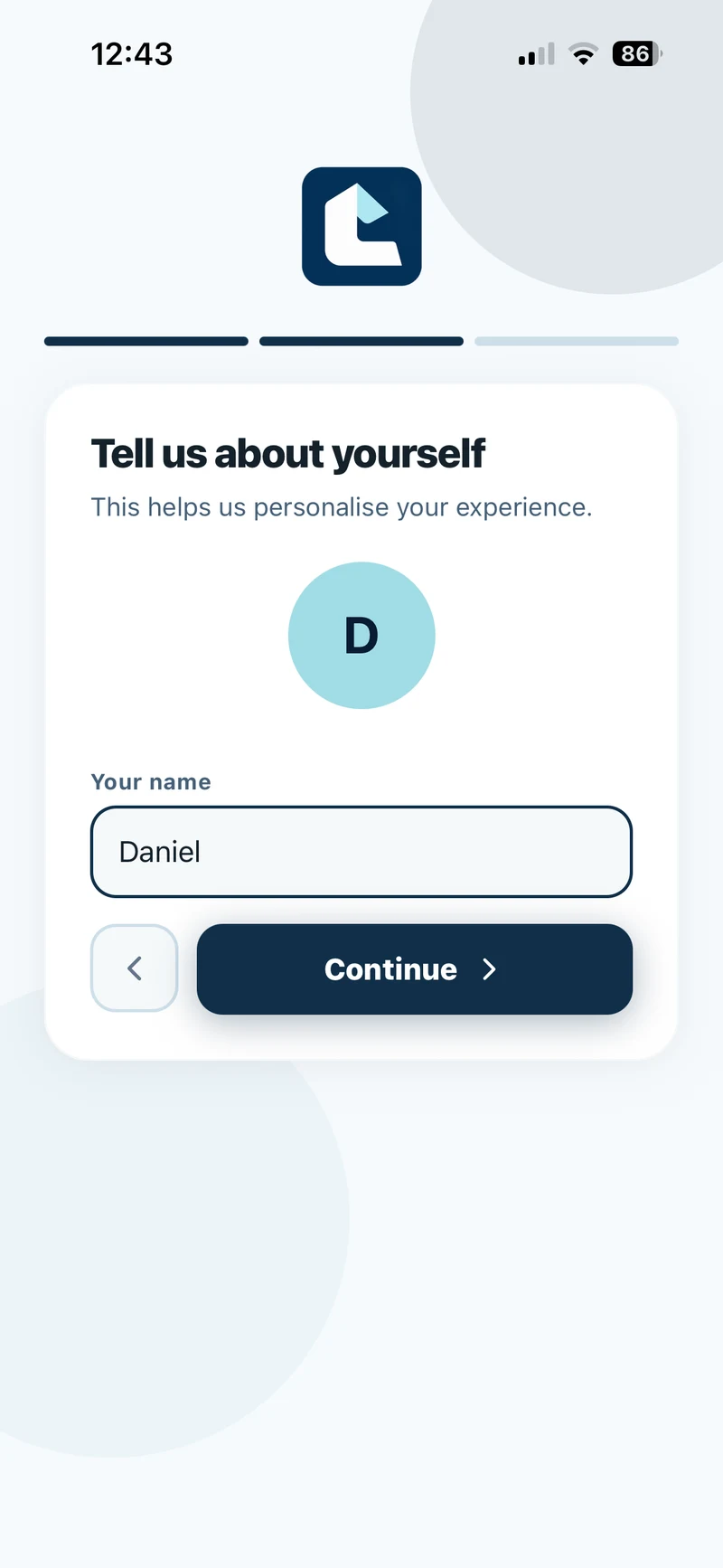
Choose Just me and enter your name
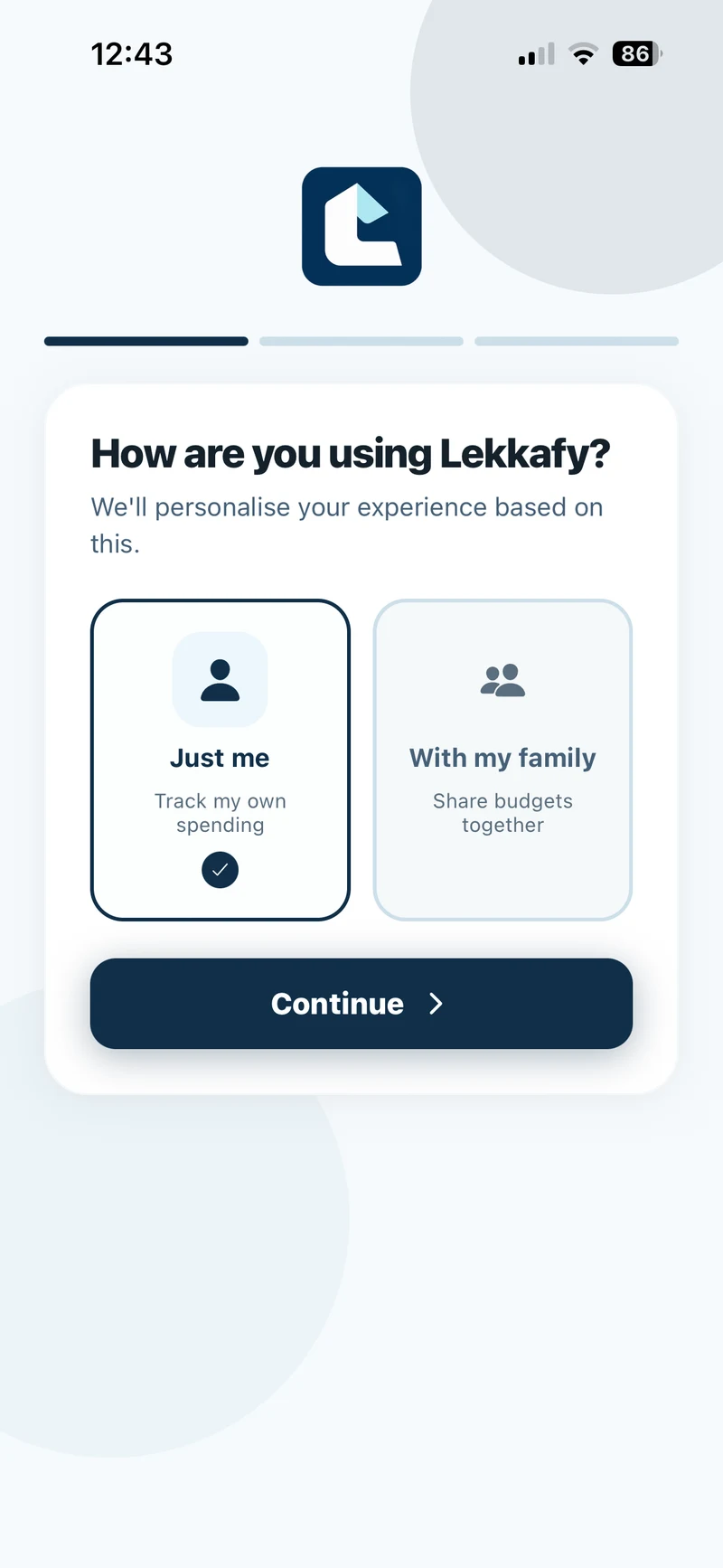
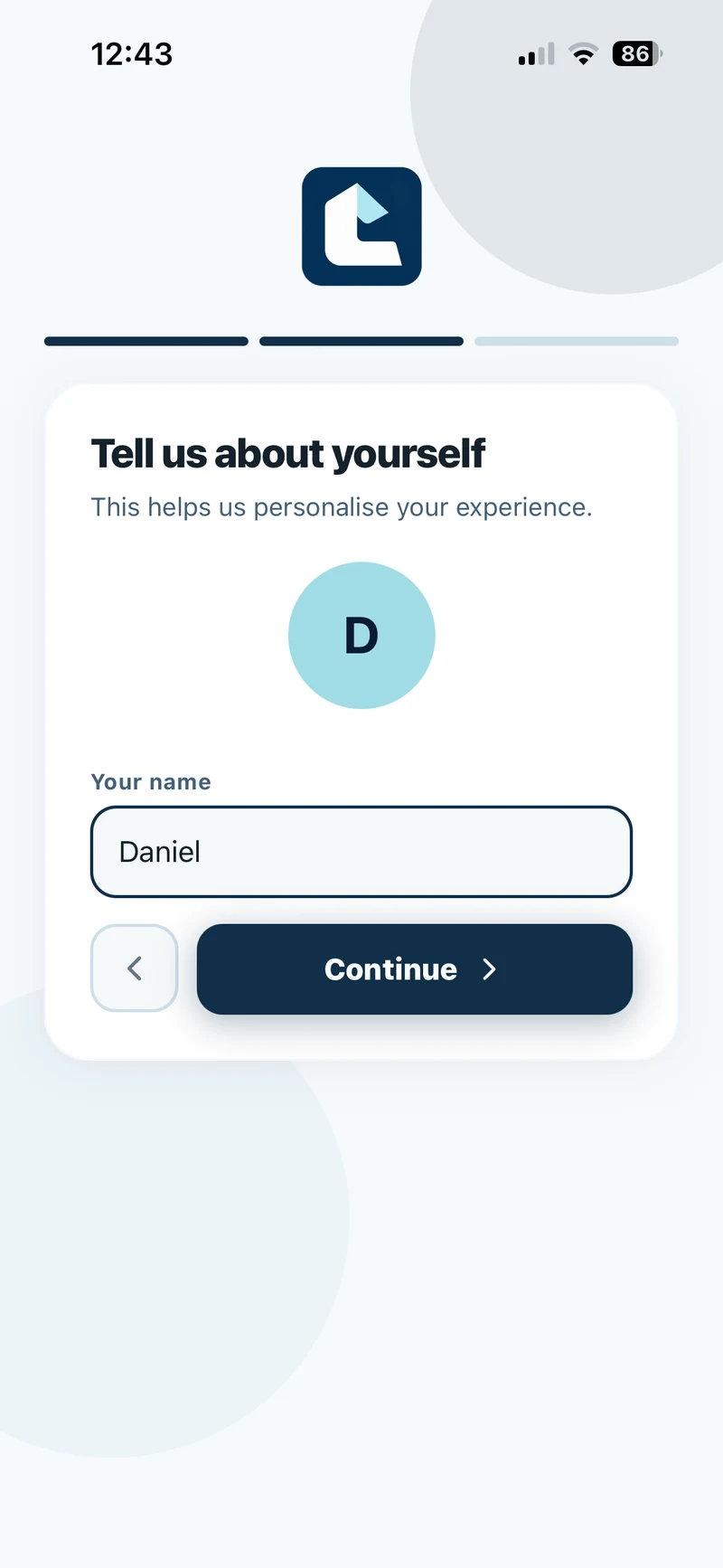
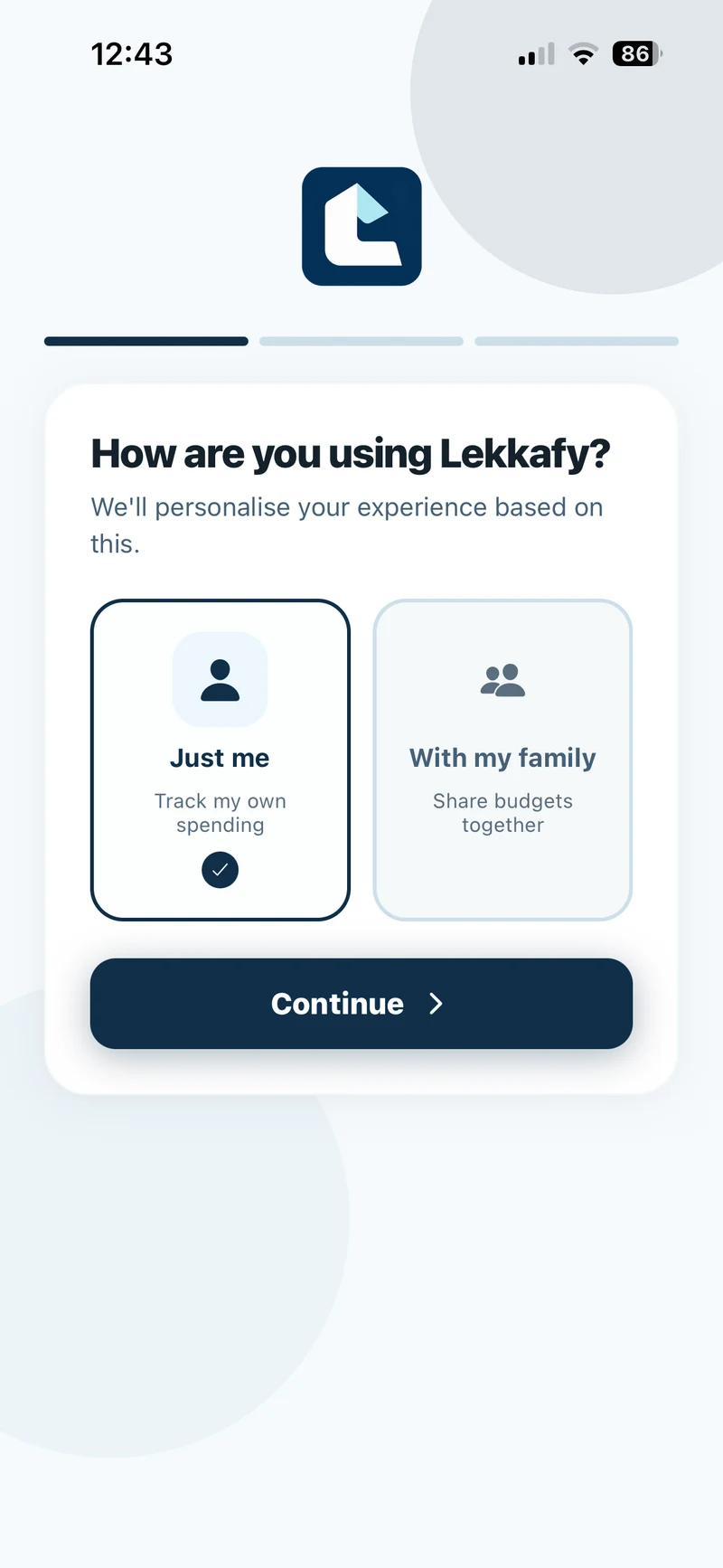
When asked how you’re using Lekkafy, select Just me and tap Continue. Enter your name on Tell us about yourself, then tap Continue. You can set up a family later under More → Household → Individual Account.
Show screenshots
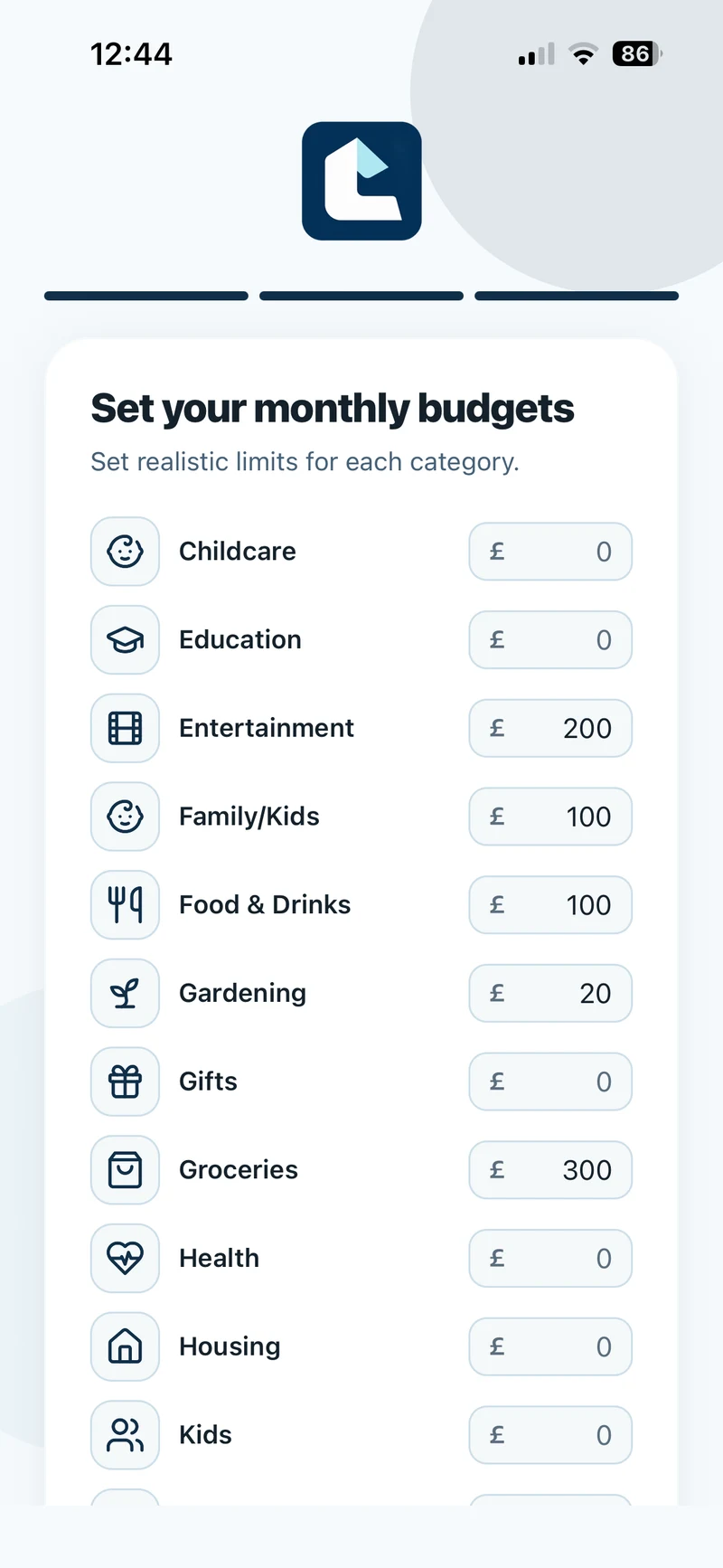
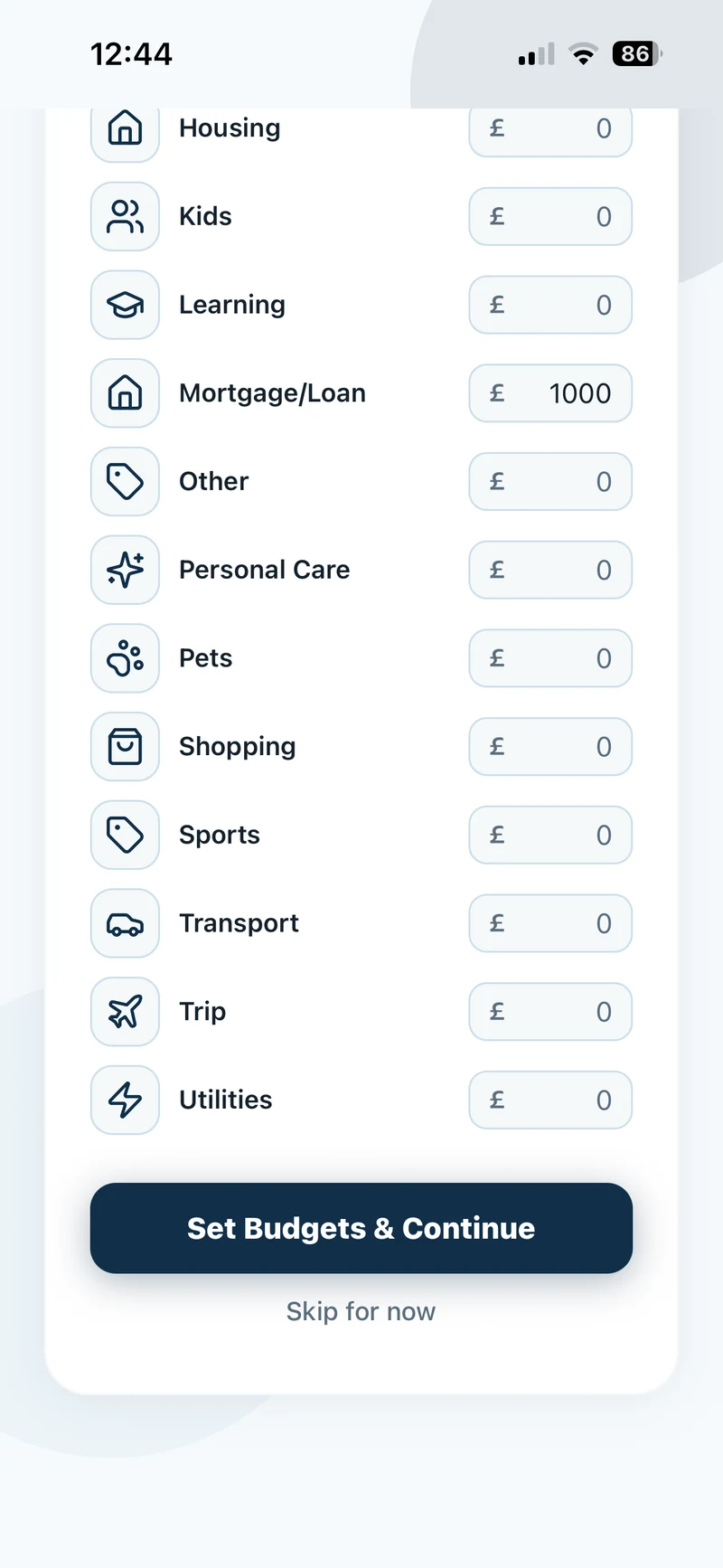
Set your monthly budgets
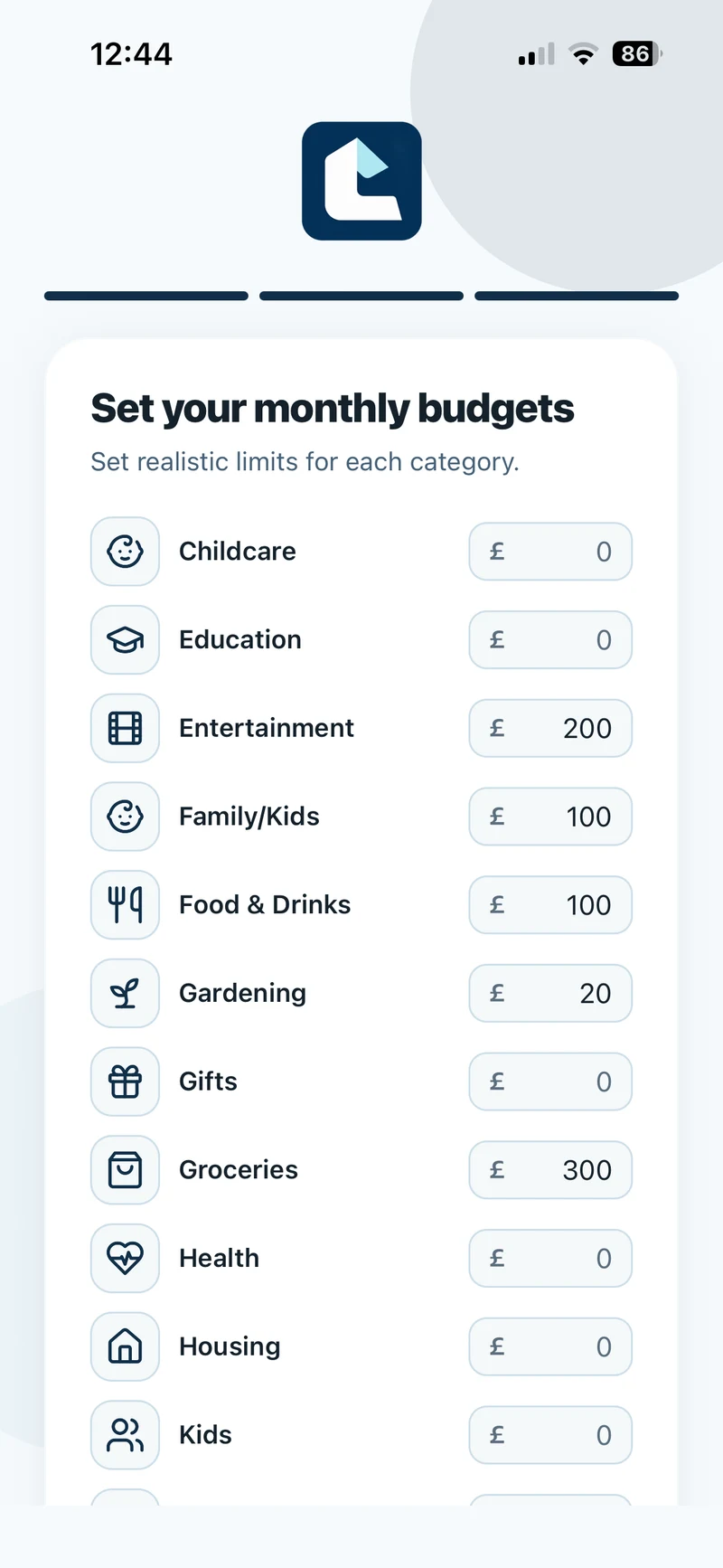
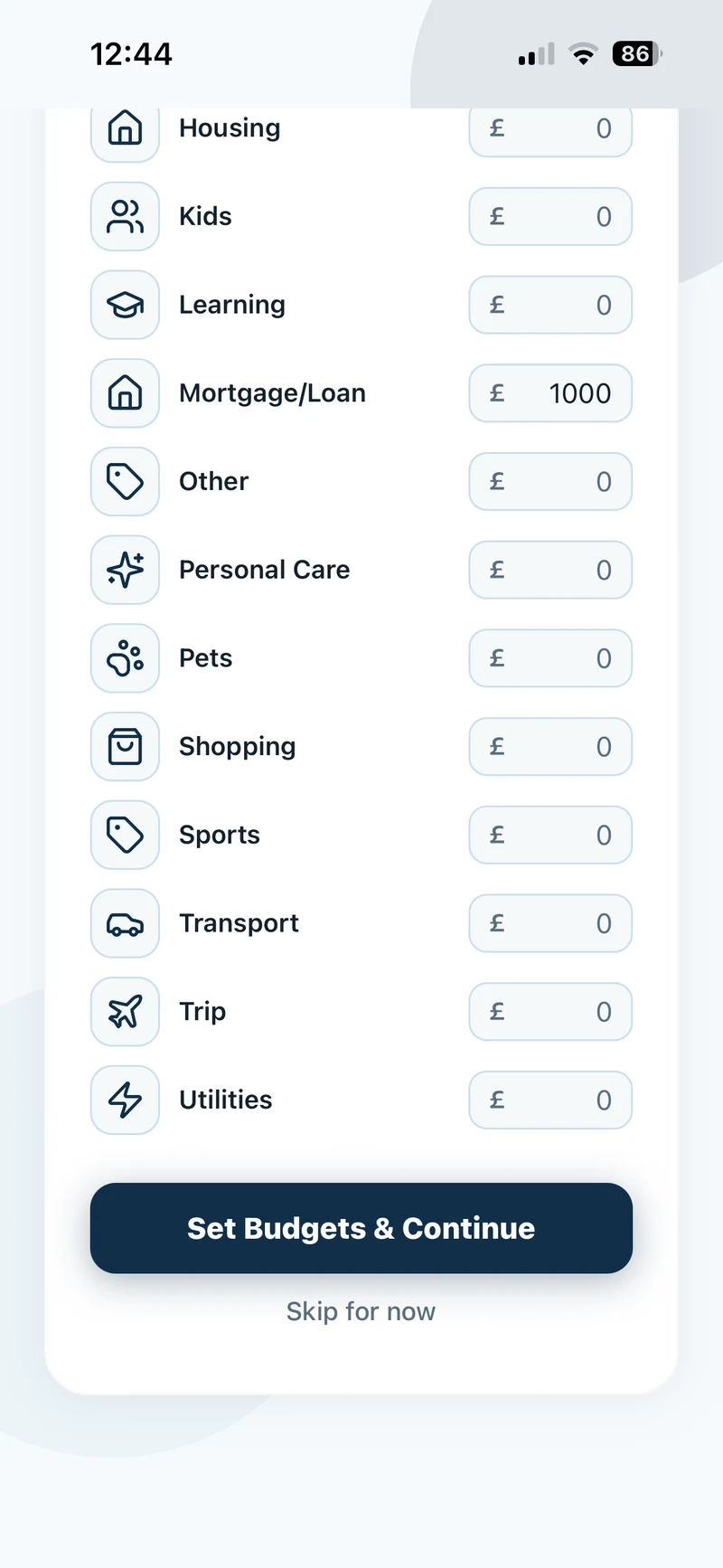
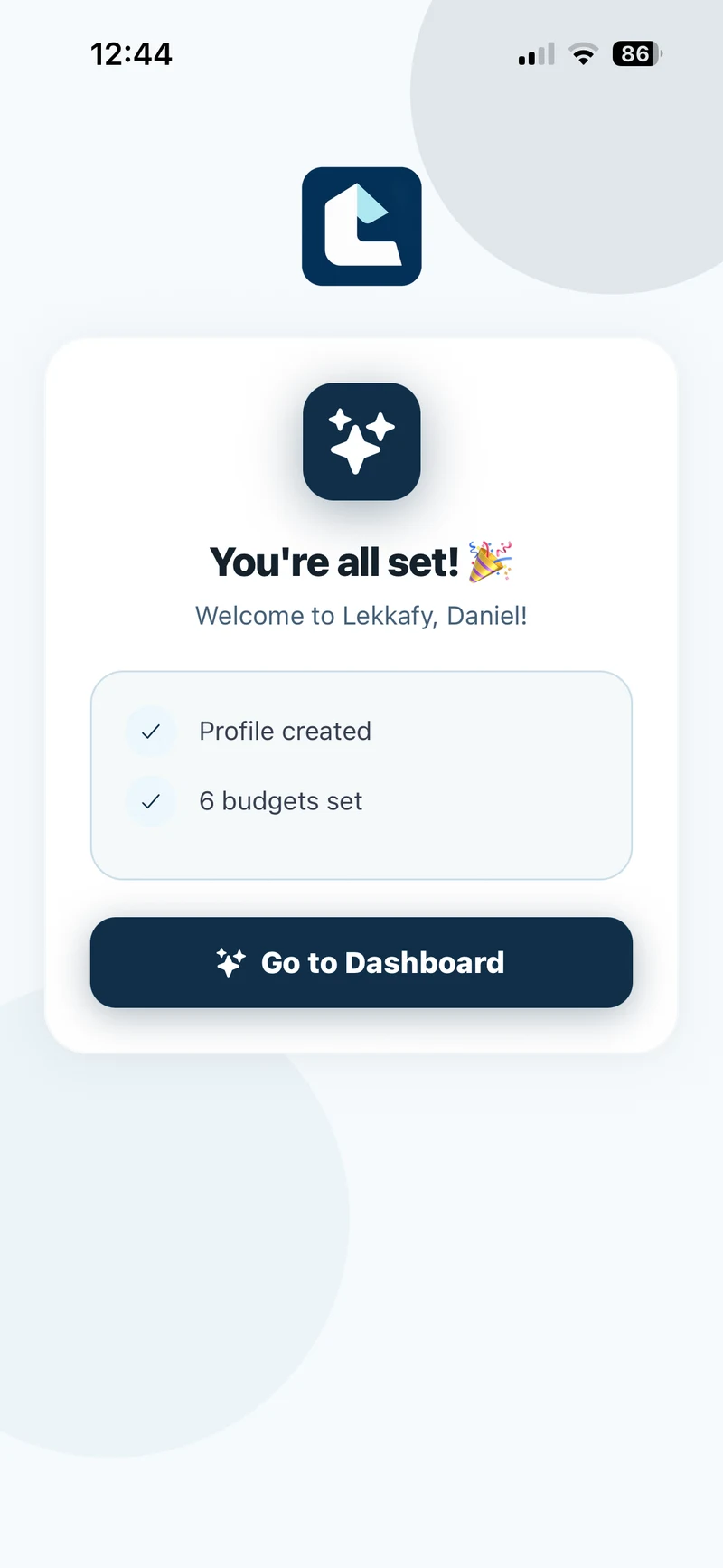
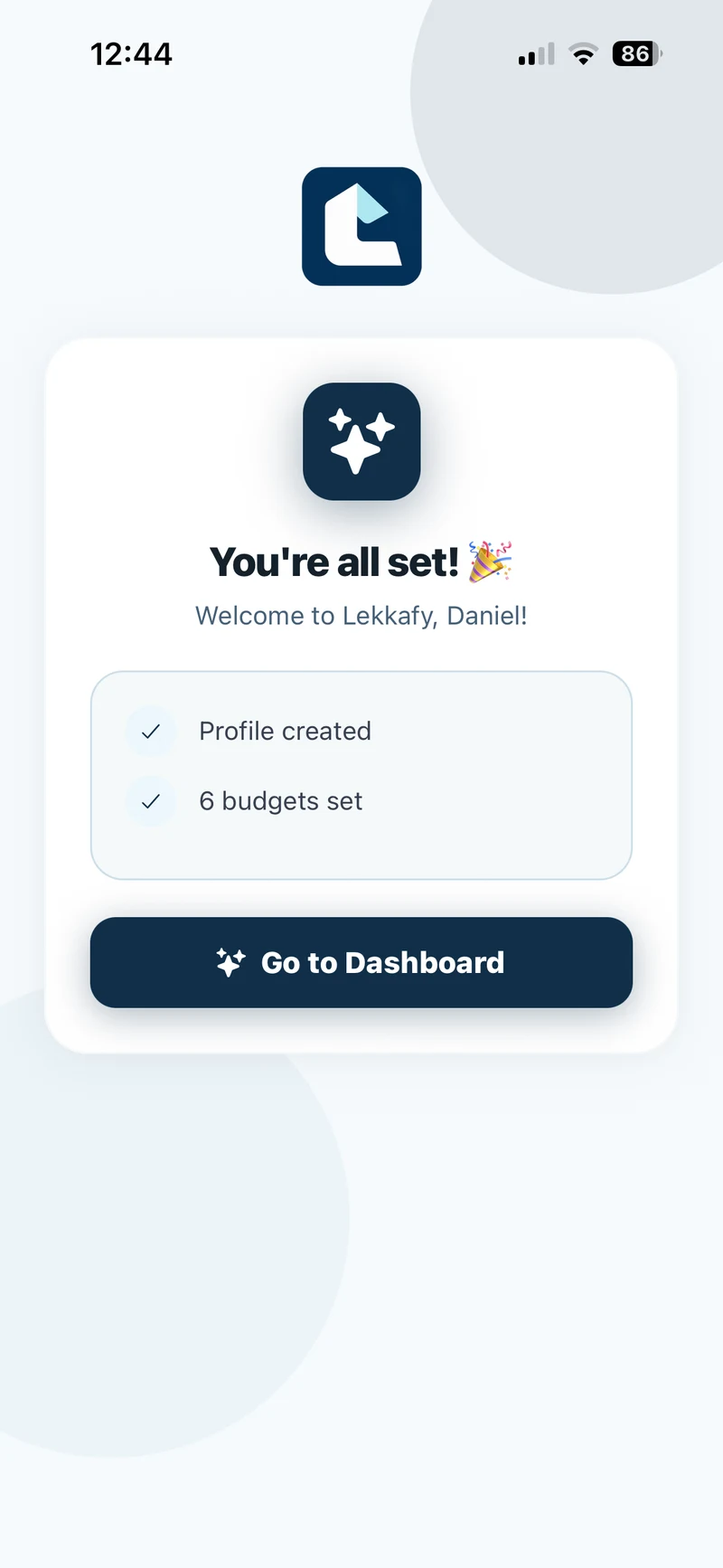
Enter a monthly limit for each category you want to budget for, such as Groceries. Leave other categories at £0. Scroll down and tap Set Budgets & Continue, or choose Skip for now to set limits from the Budgets tab later. On the confirmation screen, tap Go to Dashboard.
Show screenshots
Add your savings balance
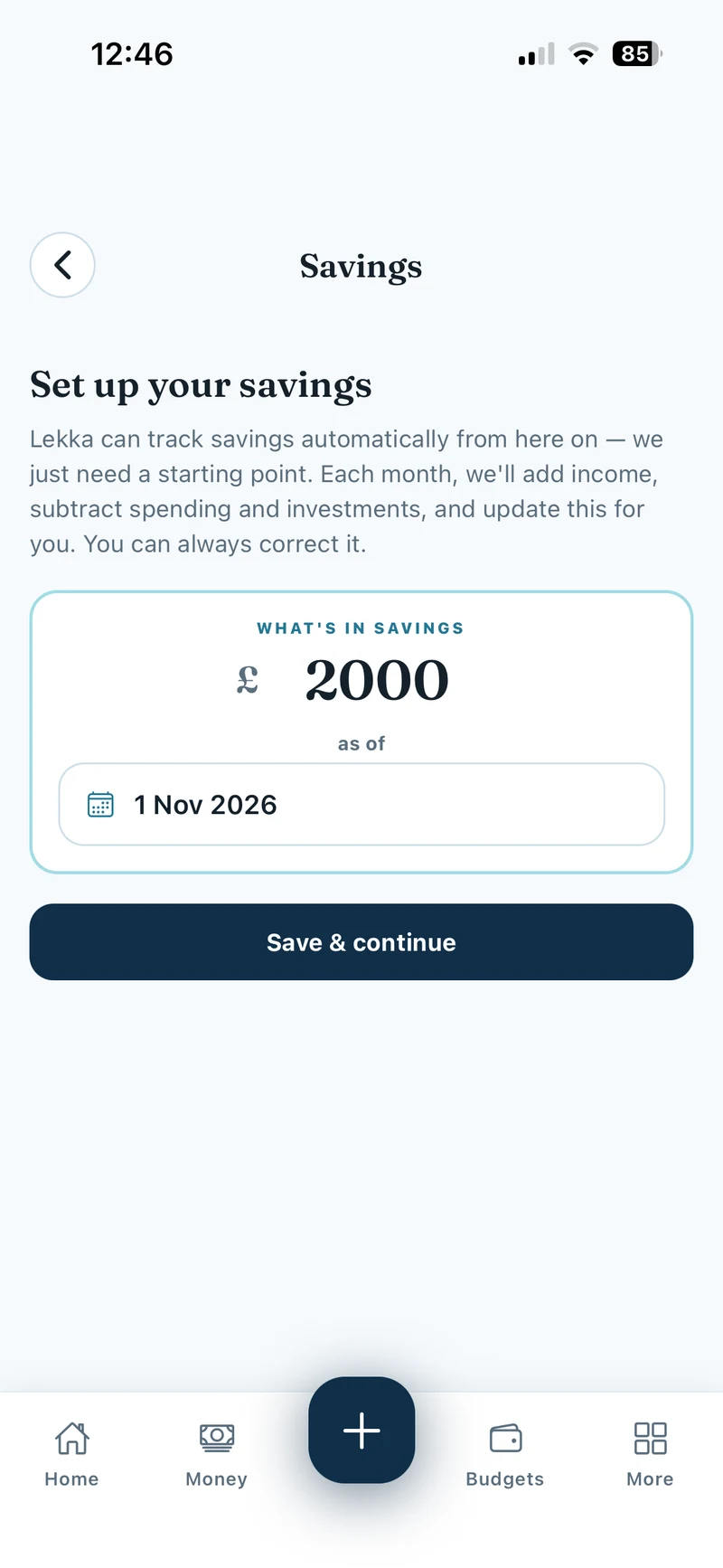
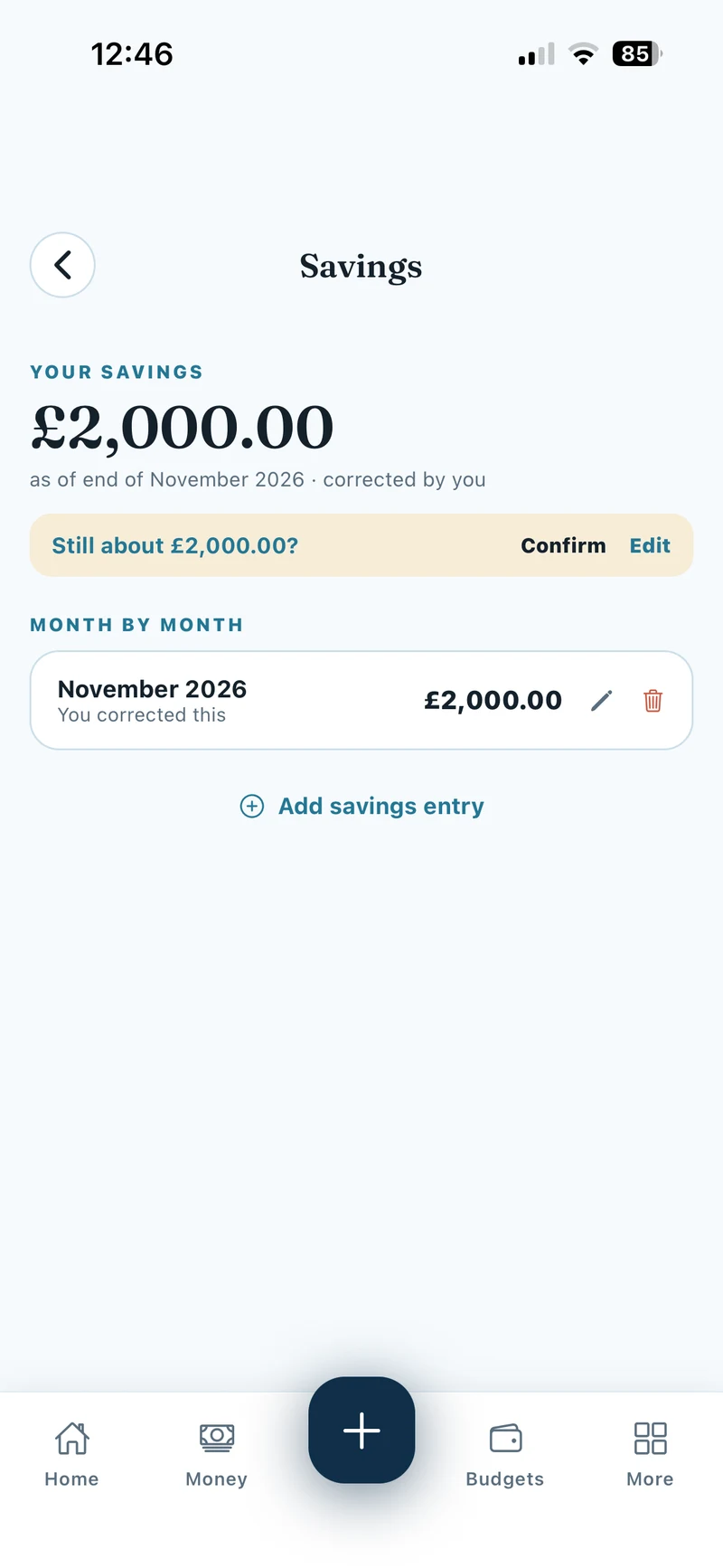
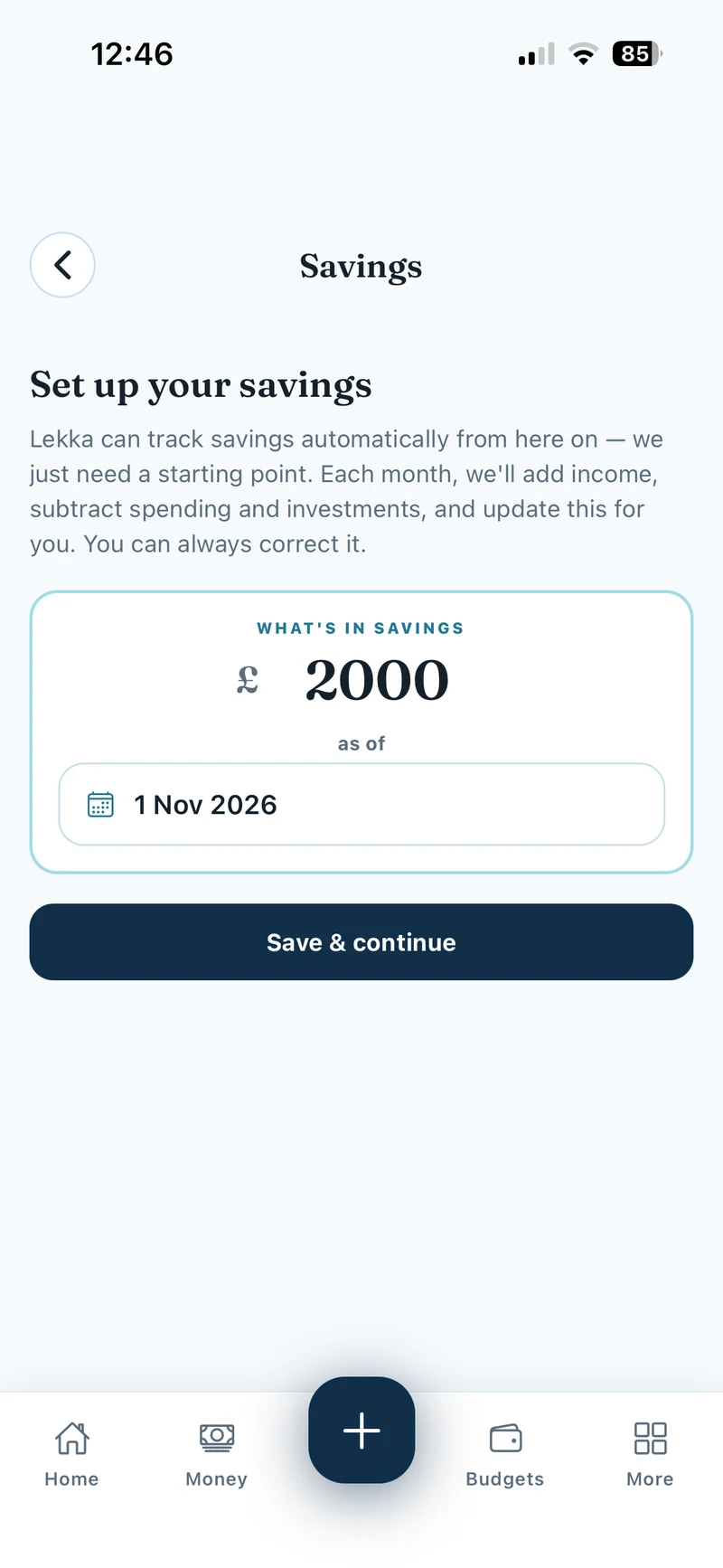
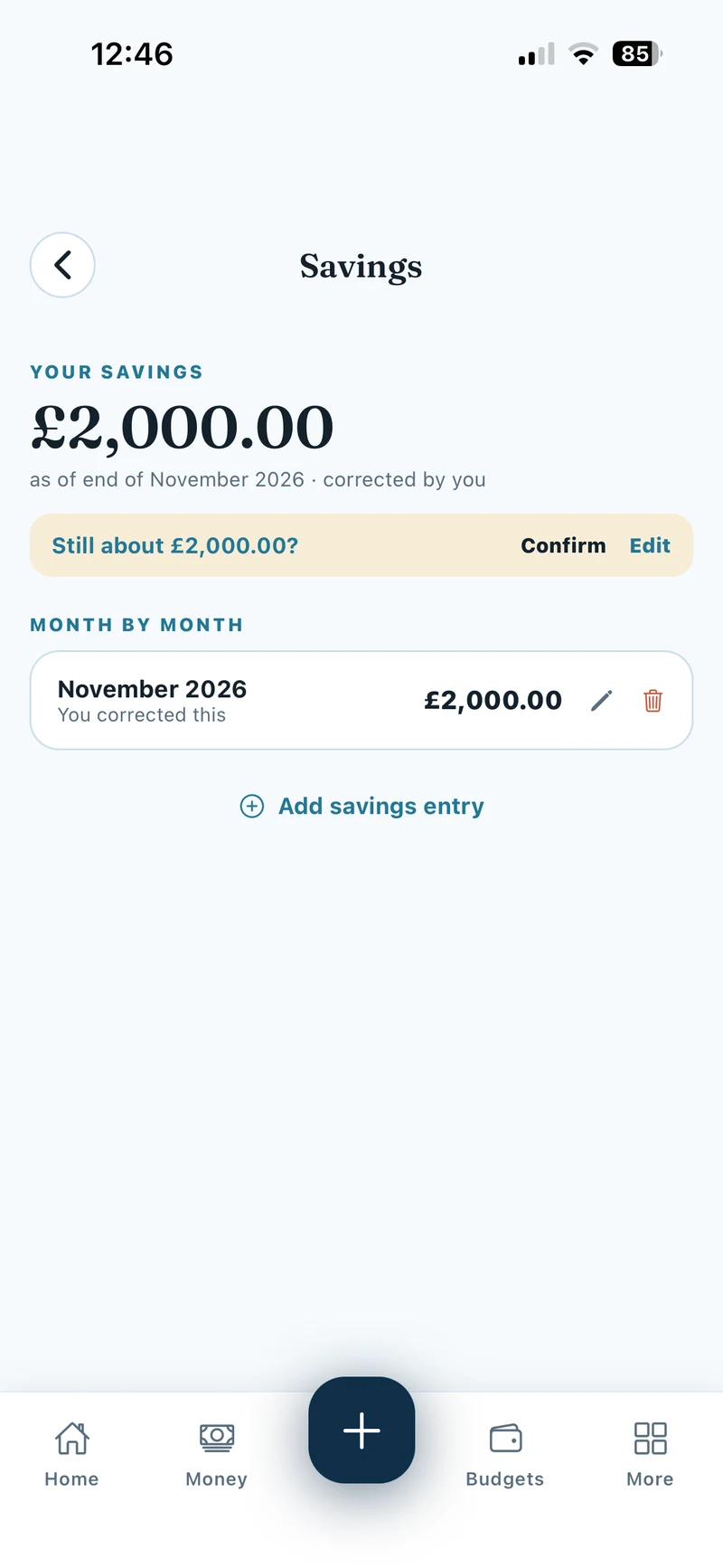
Open More → Account → Savings. Enter what you’ve already saved and use As of to choose the month and year the balance belongs to. Tap Save & continue. Lekka estimates future balances from the income, spending and investments you record. You can correct the balance in Savings.
Show screenshots
Set up Safety Net Runway
Open More → Reports → Analytics. With the current period selected, scroll to Safety net runway and tap Set up. Select essentials such as Housing, Groceries and Utilities. Pick a target of 3, 6 or 12 months, or enter your own number, then tap Save.
Show screenshots
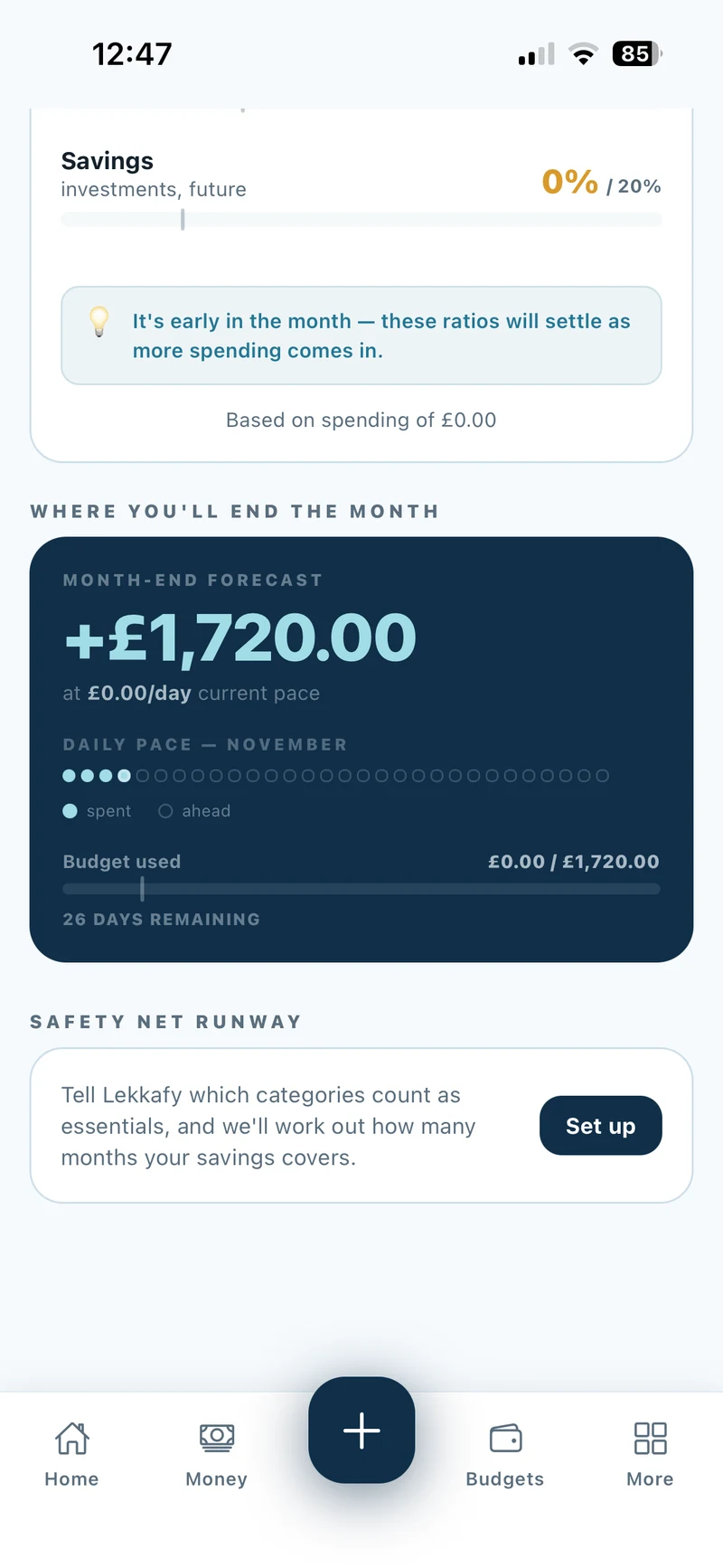
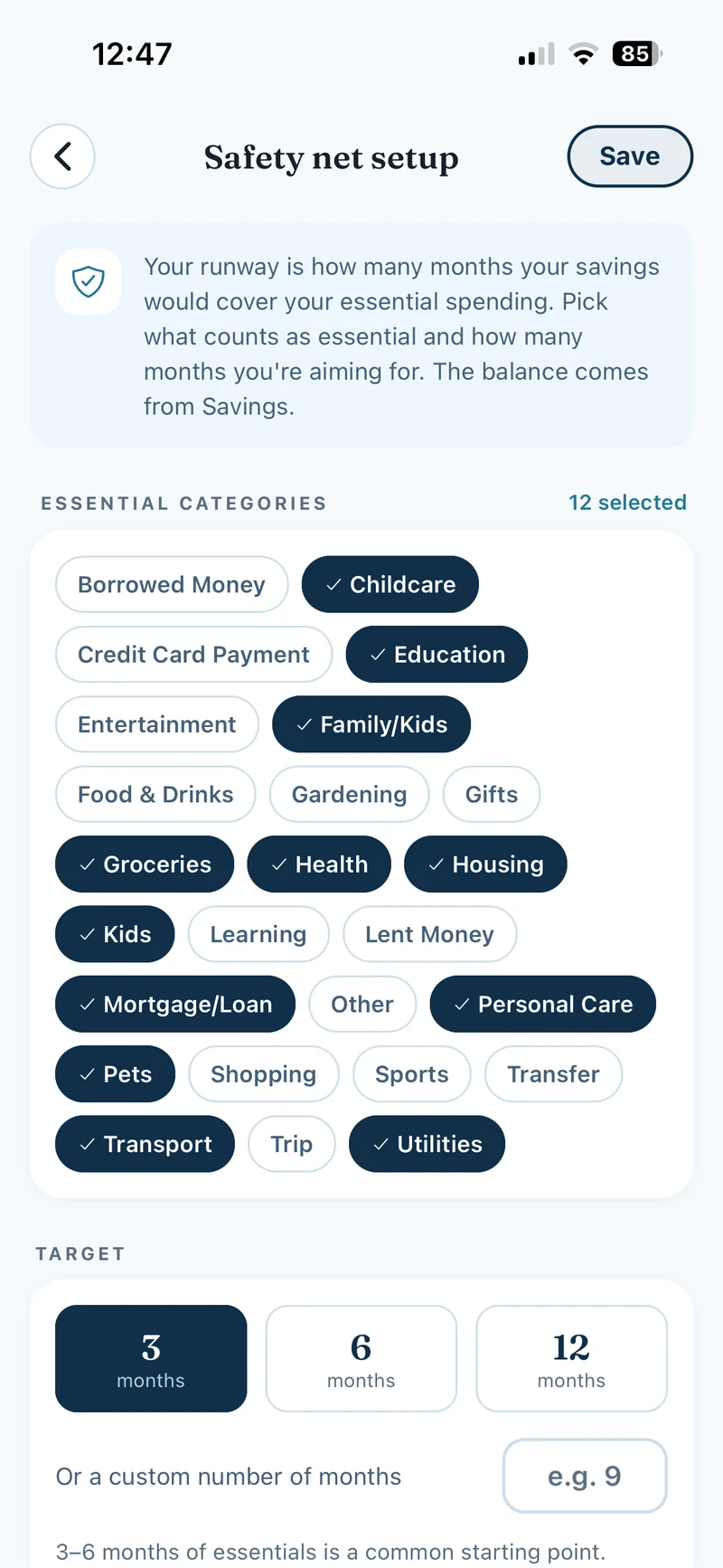
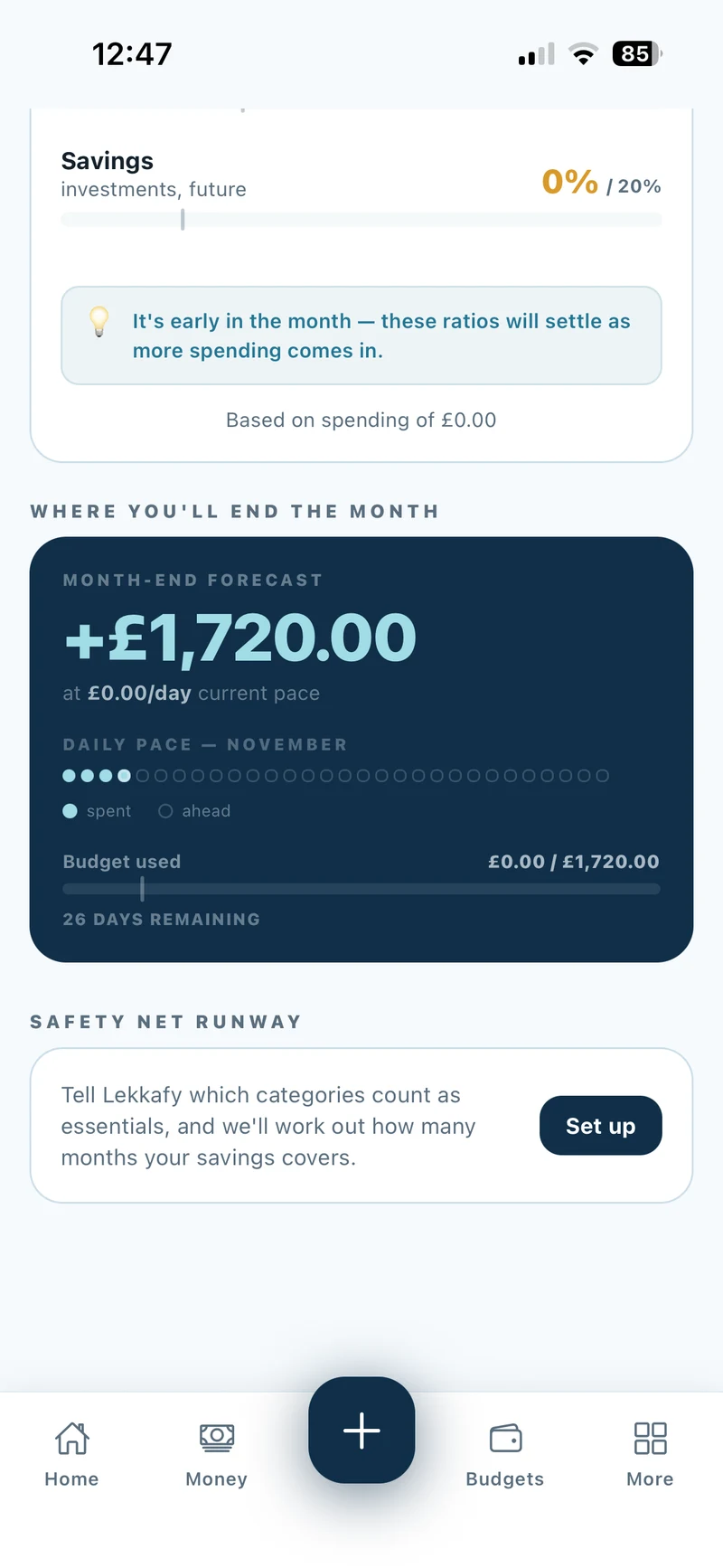
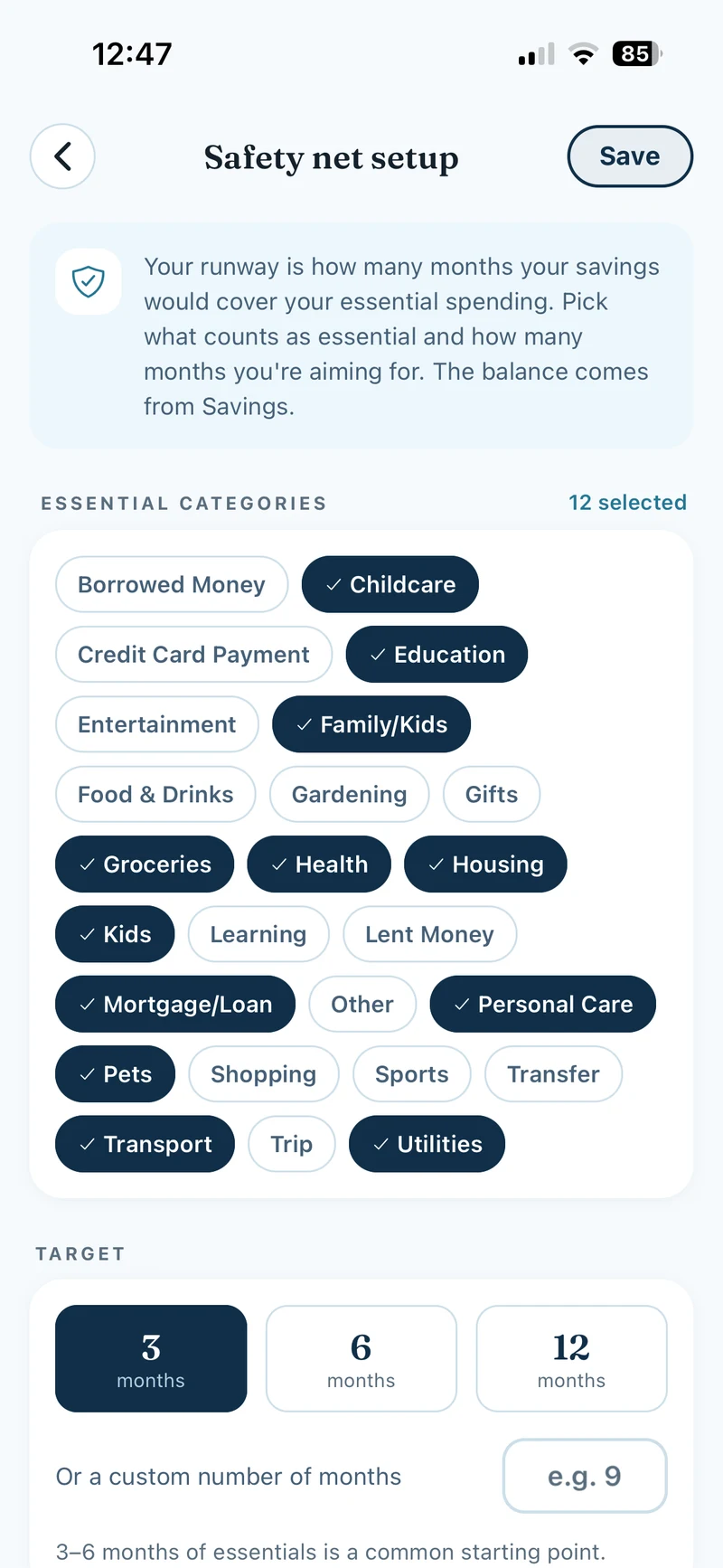
What is runway? It estimates how long your savings could cover essential spending using the last three completed budget periods. Record purchases or import past statements to build that history.